
Disney Cruise Line Navigator App
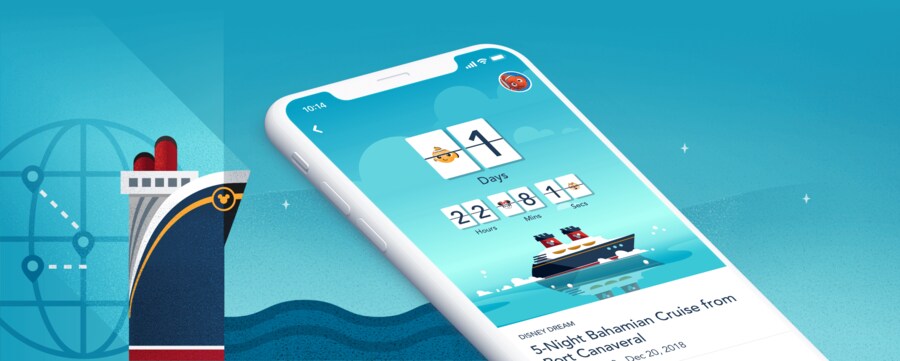
Prepare for Your Disney Cruise at Home – and Enjoy Even More Magic on the Ship


At Home – Before Setting Sail

Manage Your Reservation
Review reservation details, view deck plans, modify your stateroom—and make payments.

My Online Check-In
Make boarding the ship a breeze—speed up the check-in process at the port by providing your information at home.

Explore & Book Activities
Find out about Port Adventures and things to do on board the ship—and make reservations in advance for premium experiences.

Additional Cruise Options
Review and edit your vacation selections—from ground and air transportation to special requests, dinner seating and more.
On Board the Ship – During Your Cruise

Unlock More Magic
Whether you’re an iOS or Android user, you can access an array of onboard features with the Disney Cruise Line Navigator app.
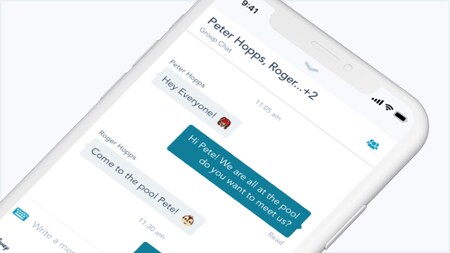
Onboard Chat
Stay connected to your family and friends throughout your cruise.

Activities, Entertainment & Restaurants
Quickly access daily activities, dining details and entertainment schedules.

View & Book Activities
Review the fun you’ve already booked—and reserve even more magical activities.
Ports of Call & Days at Sea
View My Plans to see the day-to-day itinerary of your cruise.

Latest Offers & Specials
Receive notifications about our fantastic spa and shopping offers—featured daily.

Explore Your Ship
Use a complete deck plan to check out the ship—deck by deck, from bow to stern.
